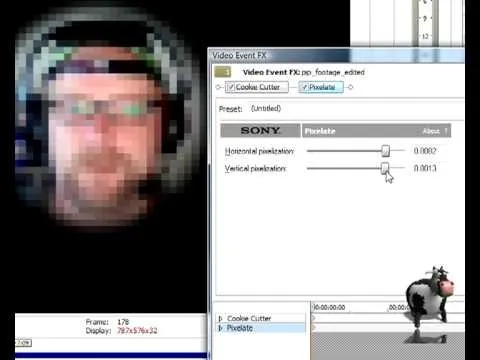
In this video tutorial, Mad Cow Moo shows you how to do blurs on footage in Sony Vegas. Looking on the time line for a break in the audio, place the cursor at this point and hit s on the keyboard to split the video into segments Go to the time line to the final frame you want and point the cursor here, creating a highlight, and hit the s key again. Right click on the audio, select group from the drop down and choose, "Remove From". Right click the video track on the left top corresponding to...